Ever felt underprepared for that crucial job interview? Or perhaps you’ve landed the interview but struggled to articulate your skills and experiences effectively? Fear not! We’ve got you covered. In this blog post, we’re diving deep into the SQL Server Developer interview questions that you’re most likely to encounter. But that’s not all. We’ll also provide expert insights into the key responsibilities of a SQL Server Developer so you can tailor your answers to impress potential employers.
Acing the interview is crucial, but landing one requires a compelling resume that gets you noticed. Crafting a professional document that highlights your skills and experience is the first step toward interview success. ResumeGemini can help you build a standout resume that gets you called in for that dream job.






Essential Interview Questions For SQL Server Developer
1. What are the different types of data types available in SQL Server and explain each data type with one example?
- Character data types: store character data. Examples: char, varchar, text.
- Numeric data types: store numeric data. Examples: int, float, decimal.
- Date and time data types: store date and time data. Examples: date, time, datetime.
- Logical data type: stores a single bit value, either 0 or 1. Example: bit.
- Spatial data types: store spatial data. Examples: geography, geometry.
2. Explain the difference between clustered and non-clustered indexes.
Clustered index
- A clustered index physically sorts the data in the table based on the index key.
- There can only be one clustered index per table.
- It improves performance for queries that retrieve data in order of the index key.
Non-clustered index
- A non-clustered index does not physically sort the data in the table.
- Multiple non-clustered indexes can be created on a table.
- It improves performance for queries that retrieve data in order of the index key, but the data is not physically sorted in that order.
3. What is the purpose of a stored procedure and how do you create one?
A stored procedure is a set of Transact-SQL (T-SQL) statements that are stored in the database. It can be executed multiple times with different parameters. To create a stored procedure, you use the CREATE PROCEDURE statement. For example:
    CREATE PROCEDURE GetCustomerOrders
    (
        @CustomerID int
    )
    AS
    BEGIN
        SELECT *
        FROM Orders
        WHERE CustomerID = @CustomerID;
    END
4. Explain how you would design a database for a large e-commerce website.
- Normalize the data: Break down the data into smaller, related tables to avoid redundancy and improve performance.
- Use appropriate data types: Choose the most efficient data type for each column to save space and improve performance.
- Create indexes: Create indexes on frequently queried columns to improve performance.
- Partition the data: Divide the data into smaller, more manageable chunks to improve performance and scalability.
- Use stored procedures and functions: Encapsulate complex queries and logic in stored procedures and functions to improve performance and code reusability.
5. What are the different ways to handle concurrency in SQL Server?
- Row-level locking: Locks only the specific row being updated, allowing other users to access other rows in the table.
- Page-level locking: Locks the page that contains the row being updated, preventing other users from accessing any data on that page.
- Table-level locking: Locks the entire table, preventing any other users from accessing any data in the table.
- Snapshot isolation: Creates a snapshot of the database at the start of the transaction, allowing other users to make changes to the data without affecting the transaction.
6. What are the different types of joins in SQL Server and when would you use each type?
- INNER JOIN: Returns only the rows that have matching values in both tables.
- LEFT JOIN: Returns all rows from the left table, and any matching rows from the right table.
- RIGHT JOIN: Returns all rows from the right table, and any matching rows from the left table.
- FULL JOIN: Returns all rows from both tables, regardless of whether there are matching values.
7. What is the difference between a view and a materialized view?
- View: A virtual table that is defined by a query. Changes to the underlying tables are automatically reflected in the view.
- Materialized view: A physical table that is created by executing the query that defines the view. Changes to the underlying tables are not automatically reflected in the materialized view.
8. What is database normalization and what are the different normal forms?
Database normalization is the process of organizing data in a database to reduce redundancy and improve data integrity. The different normal forms are:
- First normal form (1NF): Each row in a table represents a single entity, and each column represents an attribute of that entity.
- Second normal form (2NF): Each non-key column in a table is fully dependent on the primary key.
- Third normal form (3NF): Each non-key column in a table is directly dependent on the primary key, and not on any other non-key column.
9. What is transaction logging and what are the different types of recovery models?
Transaction logging is a feature of SQL Server that records all changes made to the database. The different types of recovery models are:
- Simple recovery model: Only the transaction log is backed up. This is the least protective recovery model, but it is also the fastest.
- Full recovery model: Both the transaction log and the database are backed up. This is the most protective recovery model, but it is also the slowest.
- Bulk-logged recovery model: Only bulk operations (such as bulk inserts and updates) are logged. This recovery model provides a balance between performance and protection.
10. What are the different types of database backups and when would you use each type?
- Full backup: Backs up the entire database, including all data and log files.
- Differential backup: Backs up only the changes made to the database since the last full backup.
- Transaction log backup: Backs up only the transaction log. This type of backup is used to recover the database to a specific point in time.
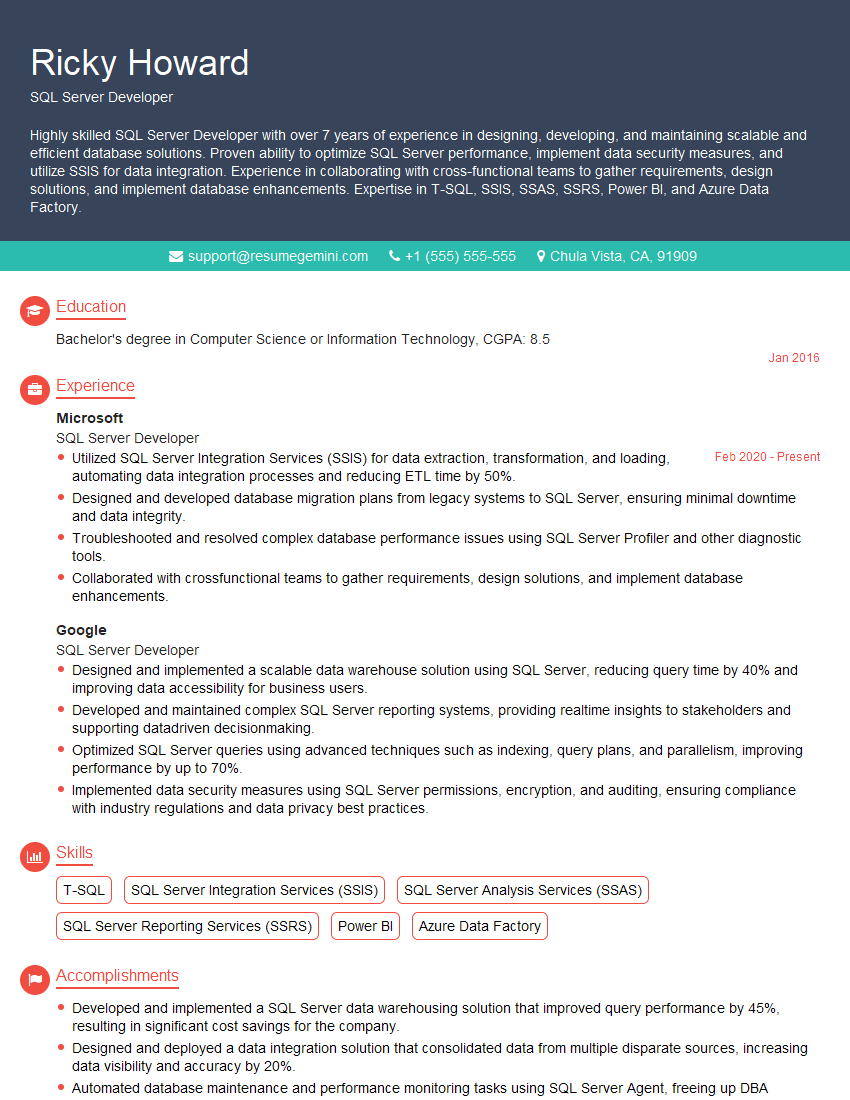
Interviewers often ask about specific skills and experiences. With ResumeGemini‘s customizable templates, you can tailor your resume to showcase the skills most relevant to the position, making a powerful first impression. Also check out Resume Template specially tailored for SQL Server Developer.
Career Expert Tips:
- Ace those interviews! Prepare effectively by reviewing the Top 50 Most Common Interview Questions on ResumeGemini.
- Navigate your job search with confidence! Explore a wide range of Career Tips on ResumeGemini. Learn about common challenges and recommendations to overcome them.
- Craft the perfect resume! Master the Art of Resume Writing with ResumeGemini’s guide. Showcase your unique qualifications and achievements effectively.
- Great Savings With New Year Deals and Discounts! In 2025, boost your job search and build your dream resume with ResumeGemini’s ATS optimized templates.
Researching the company and tailoring your answers is essential. Once you have a clear understanding of the SQL Server Developer‘s requirements, you can use ResumeGemini to adjust your resume to perfectly match the job description.
Key Job Responsibilities
A SQL Server Developer is responsible for designing, developing, and maintaining SQL Server databases. They work closely with other members of the IT team to ensure that the databases are optimized for performance and security. Some of the key job responsibilities of a SQL Server Developer include:
1. Designing and developing SQL Server databases
This involves creating the database schema, tables, and indexes. The developer must also ensure that the database is structured in a way that optimizes performance and security.
2. Writing SQL queries and stored procedures
SQL queries are used to retrieve data from the database. Stored procedures are used to perform complex tasks that involve multiple SQL statements. The developer must be proficient in writing efficient and effective SQL queries and stored procedures.
3. Maintaining SQL Server databases
This involves performing regular backups, monitoring performance, and applying security patches. The developer must also be able to troubleshoot and resolve any issues that arise with the database.
4. Working with other members of the IT team
The developer must be able to work effectively with other members of the IT team, including database administrators, system administrators, and application developers. The developer must also be able to communicate effectively with end users to understand their requirements and provide them with support.
Interview Tips
Preparing for an interview for a SQL Server Developer position can be daunting, but with the right preparation, you can increase your chances of success.
1. Know the basics of SQL Server
This includes understanding the database schema, SQL queries, and stored procedures. You should also be familiar with the different editions of SQL Server and their features.
- Practice writing efficient and effective SQL queries and stored procedures.
- Be able to explain the different types of SQL Server indexes and how they can be used to improve performance.
- Understand the different backup and recovery options available in SQL Server.
2. Be able to talk about your experience
This includes your experience with SQL Server, as well as any other relevant experience, such as database administration or application development.
- Highlight your experience in designing and developing SQL Server databases.
- Provide specific examples of SQL queries and stored procedures that you have written.
- Discuss your experience in maintaining SQL Server databases, including backup and recovery.
3. Be prepared to answer technical questions
The interviewer may ask you technical questions about SQL Server. Be prepared to answer questions about the database schema, SQL queries, stored procedures, and performance tuning.
- Be able to explain the different types of SQL Server joins and how they are used.
- Understand the concept of database normalization and how it can be used to improve data integrity.
- Be able to discuss the different performance tuning techniques that can be used to improve the performance of SQL Server databases.
4. Be prepared to share your knowledge of the latest trends in SQL Server
The interviewer may ask you questions about the latest trends in SQL Server. This shows that you are up-to-date on the latest developments in the field.
- Be familiar with the latest features in SQL Server 2023.
- Understand the benefits of using cloud-based SQL Server databases.
- Be aware of the latest trends in data analytics and how they can be used with SQL Server.
Next Step:
Armed with this knowledge, you’re now well-equipped to tackle the SQL Server Developer interview with confidence. Remember, preparation is key. So, start crafting your resume, highlighting your relevant skills and experiences. Don’t be afraid to tailor your application to each specific job posting. With the right approach and a bit of practice, you’ll be well on your way to landing your dream job. Build your resume now from scratch or optimize your existing resume with ResumeGemini. Wish you luck in your career journey!