Feeling lost in a sea of interview questions? Landed that dream interview for Front End Developer but worried you might not have the answers? You’re not alone! This blog is your guide for interview success. We’ll break down the most common Front End Developer interview questions, providing insightful answers and tips to leave a lasting impression. Plus, we’ll delve into the key responsibilities of this exciting role, so you can walk into your interview feeling confident and prepared.
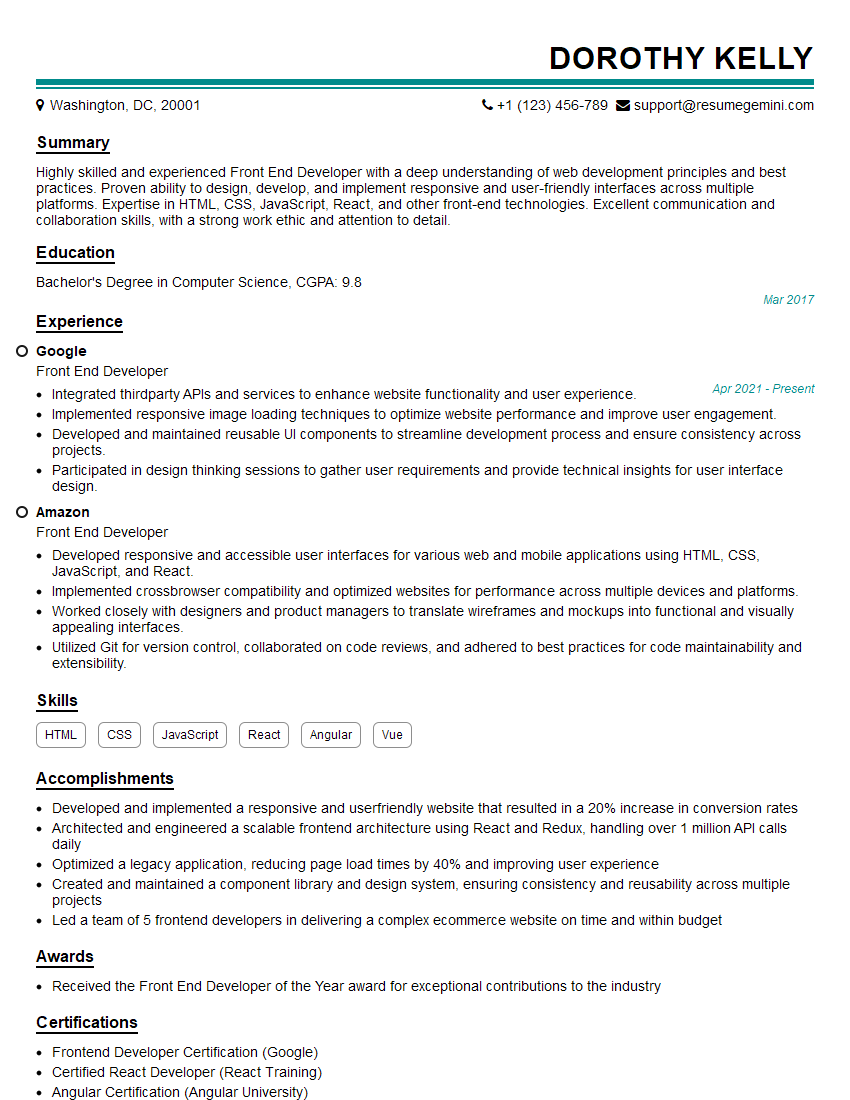
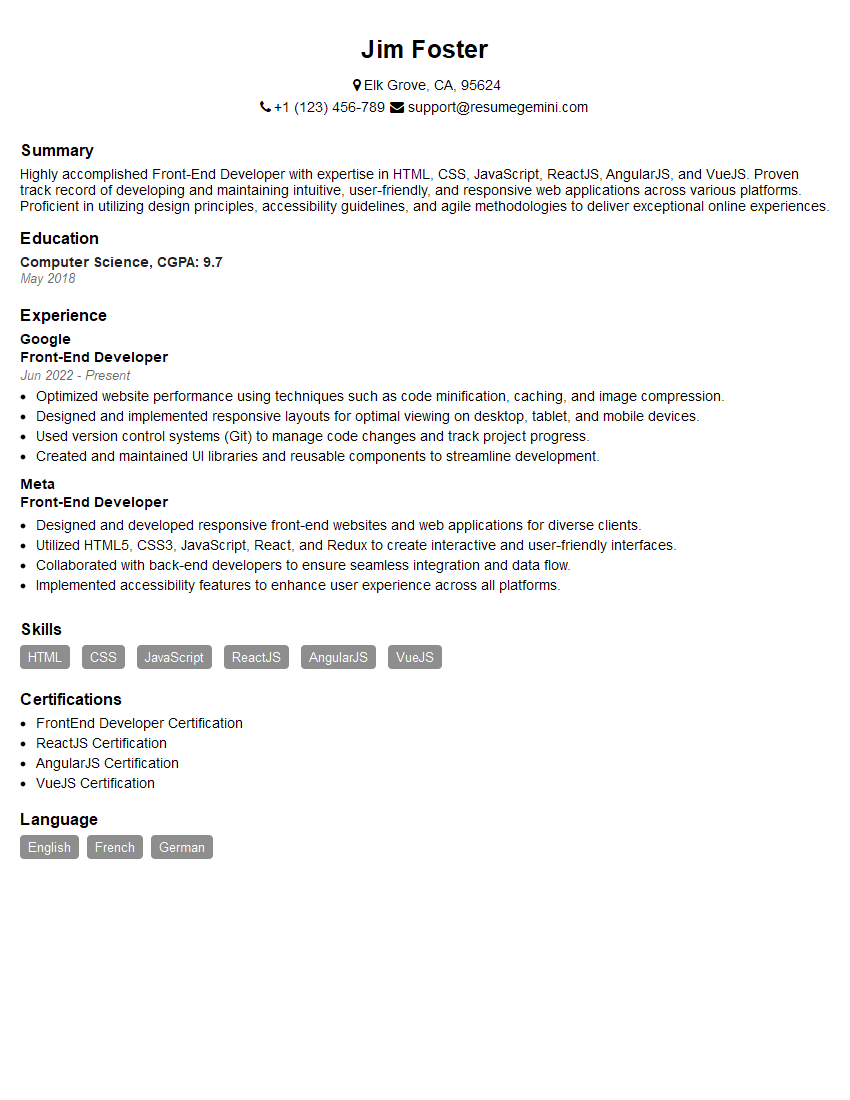
Acing the interview is crucial, but landing one requires a compelling resume that gets you noticed. Crafting a professional document that highlights your skills and experience is the first step toward interview success. ResumeGemini can help you build a standout resume that gets you called in for that dream job.






Essential Interview Questions For Front End Developer
1. Describe the difference between a block and an inline element?
Here is the difference between a block and an inline element in detail
- A block element starts on a new line and takes up the full width available while inline element does not start on a new line and only takes up as much width as necessary.
- Block elements can contain other block or inline elements, whereas inline elements can only contain other inline elements.
2. What are the advantages of using a CSS preprocessor?
Code reusability
- You can create mixins to reuse code across multiple stylesheets.
- You can use variables to store values that can be reused throughout your stylesheet.
Easier maintenance
- CSS preprocessors can help you organize your code into logical sections.
- They can also help you catch errors before they reach the browser.
Increased productivity
- CSS preprocessors can help you write CSS more quickly and efficiently.
- They can also help you avoid common mistakes.
3. What are the different ways to style a button in HTML and CSS?
Here are the ways to style a button in HTML and CSS in detail
- You can use the button element to create a button.
- You can use the input element with the type attribute set to “button” to create a button.
- You can use the a element with the role attribute set to “button” to create a button.
4. What is the difference between a hard and soft refresh in a browser?
Here is the difference between a hard and soft refresh in a browser in detail
- A hard refresh will bypass the browser’s cache and reload the page from the server.
- A soft refresh will only reload the page from the browser’s cache.
5. What is the purpose of the viewport meta tag?
Here is the purpose of the viewport meta tag in detail
- The viewport meta tag is used to control the size and scaling of the viewport.
- It can be used to make sure that the page is displayed correctly on different devices.
6. What is the difference between a relative and an absolute positioned element?
Here is the difference between a relative and an absolute positioned element in detail
- A relatively positioned element is positioned relative to its normal position in the flow of the page.
- An absolutely positioned element is positioned relative to its containing element.
7. What is the purpose of the z-index property?
Here is the purpose of the z-index property in detail
- The z-index property is used to control the stacking order of elements.
- It can be used to make sure that some elements are displayed in front of others.
8. What is the difference between a flexbox and a grid layout?
Here is the difference between a flexbox and a grid layout in detail
- Flexbox is a one-dimensional layout system, while grid is a two-dimensional layout system.
- Flexbox is more suitable for laying out items in a single row or column, while grid is more suitable for laying out items in a more complex layout.
9. What is the purpose of the position property?
Here is the purpose of the position property in detail
- The position property is used to control the position of an element.
- It can be used to make an element static, relative, absolute, or fixed.
10. What is the difference between a margin and a padding?
Here is the difference between a margin and a padding in detail
- Margin is the space outside of an element’s border, while padding is the space inside of an element’s border.
- Margin can be used to create space between elements, while padding can be used to create space between the element’s content and its border.
Interviewers often ask about specific skills and experiences. With ResumeGemini‘s customizable templates, you can tailor your resume to showcase the skills most relevant to the position, making a powerful first impression. Also check out Resume Template specially tailored for Front End Developer.
Career Expert Tips:
- Ace those interviews! Prepare effectively by reviewing the Top 50 Most Common Interview Questions on ResumeGemini.
- Navigate your job search with confidence! Explore a wide range of Career Tips on ResumeGemini. Learn about common challenges and recommendations to overcome them.
- Craft the perfect resume! Master the Art of Resume Writing with ResumeGemini’s guide. Showcase your unique qualifications and achievements effectively.
- Great Savings With New Year Deals and Discounts! In 2025, boost your job search and build your dream resume with ResumeGemini’s ATS optimized templates.
Researching the company and tailoring your answers is essential. Once you have a clear understanding of the Front End Developer‘s requirements, you can use ResumeGemini to adjust your resume to perfectly match the job description.
Key Job Responsibilities for a Front End Developer
Front End Developers play a crucial role in designing and developing the user interface of websites and applications. Here are some key job responsibilities:1. Design and Implementation of User Interface
Collaborate with designers to create visually appealing and user-friendly interfaces.
- Implement HTML, CSS, and JavaScript to bring designs to life.
- Optimize code for performance and accessibility.
2. Responsiveness and Cross-Platform Compatibility
Ensure that web pages and applications adapt seamlessly to different devices and screen sizes.
- Implement responsive design techniques using CSS media queries and frameworks.
- Test across multiple browsers and devices to ensure compatibility.
3. User Experience Optimization
Focus on creating an intuitive and engaging user experience.
- Conduct user research to understand user needs and preferences.
- Implement accessibility features and adhere to best practices for usability.
- Monitor user metrics and analytics to identify areas for improvement.
4. Collaboration and Communication
Work closely with designers, back-end developers, and other stakeholders.
- Communicate ideas and technical solutions effectively.
- Contribute to team discussions and provide constructive feedback.
- Stay up-to-date on industry best practices and emerging technologies.
Interview Tips for Front End Developers
Preparing thoroughly for a Front End Developer interview can significantly increase your chances of success. Here are some helpful tips:1. Brush Up on Technical Concepts
Review core concepts in HTML, CSS, JavaScript, and responsive design.
- Familiarize yourself with design patterns, CSS frameworks, and JavaScript libraries.
- Practise solving coding challenges and demonstrating your problem-solving abilities.
2. Showcase Your Portfolio
Highlight your best work in a portfolio that demonstrates your skills and creativity.
- Include projects that showcase your understanding of user experience, cross-platform compatibility, and design principles.
- Explain the technical challenges you faced and how you overcame them.
3. Prepare for Behavioural Questions
Be prepared to answer common behavioural questions that assess your teamwork, communication, and problem-solving abilities.
- Use the STAR method (Situation, Task, Action, Result) to structure your answers.
- Provide specific examples from your previous work experience.
4. Research the Company and Position
Thoroughly research the company’s culture, values, and business model.
- Understand the specific requirements of the Front End Developer role you are applying for.
- Prepare questions to demonstrate your interest in the company and the position.
5. Dress Professionally and Arrive on Time
First impressions matter. Dress appropriately for the interview and arrive punctually.
- Show respect for the interviewer’s time and schedule.
- A professional appearance conveys confidence and seriousness about the interview.
Next Step:
Now that you’re armed with a solid understanding of what it takes to succeed as a Front End Developer, it’s time to turn that knowledge into action. Take a moment to revisit your resume, ensuring it highlights your relevant skills and experiences. Tailor it to reflect the insights you’ve gained from this blog and make it shine with your unique qualifications. Don’t wait for opportunities to come to you—start applying for Front End Developer positions today and take the first step towards your next career milestone. Your dream job is within reach, and with a polished resume and targeted applications, you’ll be well on your way to achieving your career goals! Build your resume now with ResumeGemini.