Are you gearing up for a career shift or aiming to ace your next interview? Look no further! We’ve curated a comprehensive guide to help you crack the interview for the coveted Photo Editor position. From understanding the key responsibilities to mastering the most commonly asked questions, this blog has you covered. So, buckle up and let’s embark on this journey together
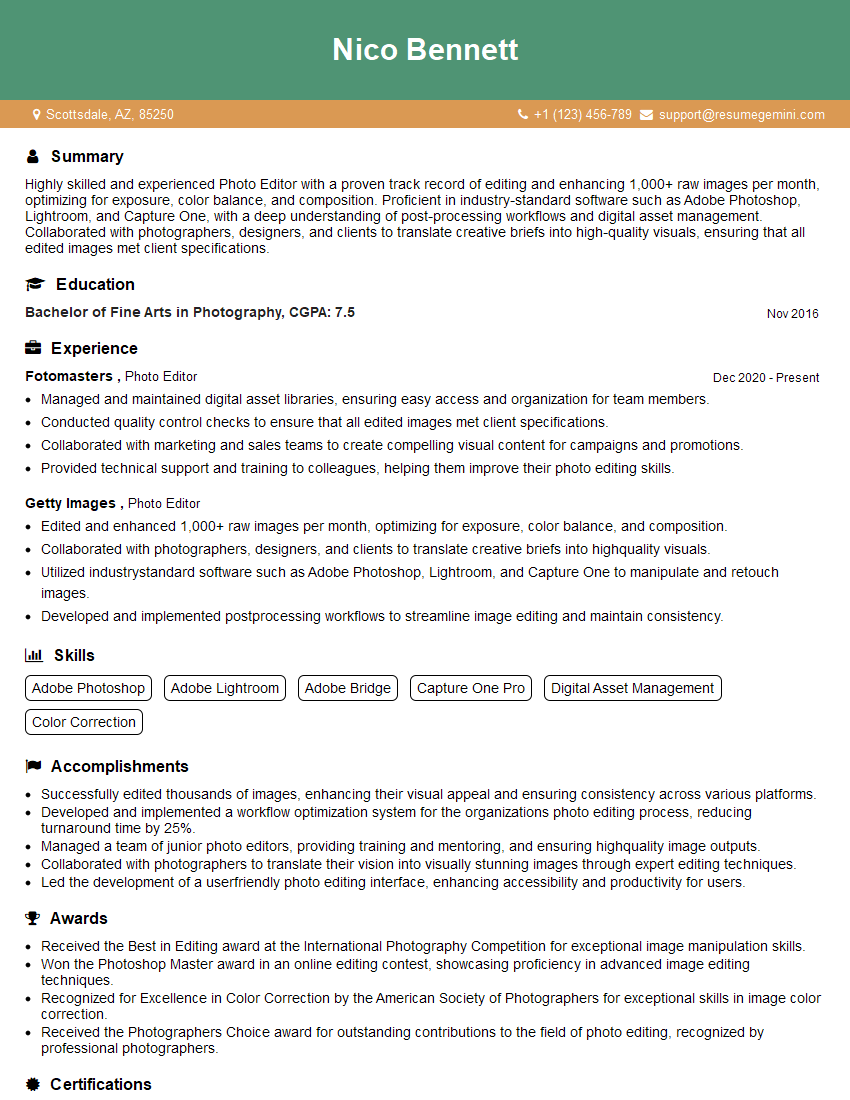
Acing the interview is crucial, but landing one requires a compelling resume that gets you noticed. Crafting a professional document that highlights your skills and experience is the first step toward interview success. ResumeGemini can help you build a standout resume that gets you called in for that dream job.






Essential Interview Questions For Photo Editor
1. How would you go about color correcting an image with a strong color cast?
I would first use the Levels or Curves adjustment to correct the overall tonality of the image. Then, I would use the Hue/Saturation or Color Balance adjustment to adjust the specific colors that are causing the cast. I would also use the eyedropper tool to sample the color of the background or a neutral object in the image, and then use that color as a reference point for my adjustments.
2. How do you handle images with a high dynamic range?
Using HDR techniques
- I would use HDR techniques to merge multiple exposures of the same image into a single image with a wider dynamic range.
- This would allow me to capture both the highlights and shadows of the image without losing detail.
- I would use software such as Photomatix or Aurora HDR to merge the exposures.
Using tone mapping
- I would use tone mapping to compress the dynamic range of the image into a smaller range that can be displayed on a standard monitor.
- This would allow me to preserve the detail in both the highlights and shadows of the image.
- I would use software such as Photoshop or Lightroom to perform tone mapping.
3. What are your favorite tools for retouching portraits?
My favorite tools for retouching portraits are the Clone Stamp, Healing Brush, and Patch Tool in Photoshop. These tools allow me to remove blemishes, smooth wrinkles, and adjust skin tones to create a more polished look.
4. How do you create a realistic drop shadow in Photoshop?
To create a realistic drop shadow in Photoshop, I would use the following steps:
- Duplicate the layer that I want to add the shadow to.
- Click on the “Add Layer Style” button and select “Drop Shadow.”
- Adjust the settings of the drop shadow to create the desired effect.
- I would typically use a black color for the shadow and adjust the opacity to around 50%.
- I would also adjust the distance and spread of the shadow to create a more natural look.
5. How do you prepare images for web use?
To prepare images for web use, I would typically do the following:
- Resize the image to the desired dimensions.
- Convert the image to the JPEG format.
- Optimize the image for web using a tool such as Photoshop’s “Save for Web” feature.
- This would reduce the file size of the image without sacrificing too much quality.
6. What are the different color modes used in digital photography?
The different color modes used in digital photography are RGB (Red, Green, Blue), CMYK (Cyan, Magenta, Yellow, Black), and Grayscale.
- RGB is the most common color mode used in digital photography because it is the color mode used by computer monitors and digital cameras.
- CMYK is the color mode used in printing because it is the color mode used by printers.
- Grayscale is a color mode that only uses shades of gray.
7. What is the difference between lossy and lossless image compression?
Lossy image compression reduces the file size of an image by removing some of the data in the image. This can result in a loss of quality, but it can also significantly reduce the file size. Lossless image compression does not remove any data from the image, so there is no loss of quality. However, lossless image compression typically results in larger file sizes than lossy image compression.
8. What are the different types of image sensors used in digital cameras?
The different types of image sensors used in digital cameras are CCD (Charge-Coupled Device) and CMOS (Complementary Metal-Oxide-Semiconductor).
- CCD sensors are typically used in higher-end digital cameras because they offer better image quality than CMOS sensors.
- CMOS sensors are typically used in lower-end digital cameras because they are less expensive to manufacture than CCD sensors.
9. What are the factors that affect the quality of a digital image?
The factors that affect the quality of a digital image are:
- The resolution of the image sensor.
- The lens used to take the image.
- The lighting conditions.
- The post-processing techniques used to edit the image.
10. What are the trends in digital photography?
The trends in digital photography include:
- The increasing resolution of digital cameras.
- The development of new lens technologies.
- The rise of computational photography.
- The increasing popularity of mobile photography.
Interviewers often ask about specific skills and experiences. With ResumeGemini‘s customizable templates, you can tailor your resume to showcase the skills most relevant to the position, making a powerful first impression. Also check out Resume Template specially tailored for Photo Editor.
Career Expert Tips:
- Ace those interviews! Prepare effectively by reviewing the Top 50 Most Common Interview Questions on ResumeGemini.
- Navigate your job search with confidence! Explore a wide range of Career Tips on ResumeGemini. Learn about common challenges and recommendations to overcome them.
- Craft the perfect resume! Master the Art of Resume Writing with ResumeGemini’s guide. Showcase your unique qualifications and achievements effectively.
- Great Savings With New Year Deals and Discounts! In 2025, boost your job search and build your dream resume with ResumeGemini’s ATS optimized templates.
Researching the company and tailoring your answers is essential. Once you have a clear understanding of the Photo Editor‘s requirements, you can use ResumeGemini to adjust your resume to perfectly match the job description.
Key Job Responsibilities
A Photo Editor is responsible for enhancing and manipulating images to create visually appealing content for various platforms. They work closely with photographers, designers, and clients to ensure the final product meets expectations.
1. Photo Editing
The primary responsibility of a Photo Editor is to edit and enhance images using specialized software like Adobe Photoshop or GIMP. This involves tasks such as:
- Adjusting exposure, contrast, and color balance
- Cropping and resizing images
- Removing or adding elements from the image
- Applying filters and effects
- Creating composite images
2. Image Selection
Photo Editors are responsible for selecting appropriate images for use in various contexts. They consider factors such as composition, subject matter, and image quality. They may also work with photographers to direct photo shoots.
- Evaluating images for technical quality and aesthetic appeal
- Matching images to specific themes or concepts
- Obtaining image licenses and permissions
3. Project Management
Photo Editors often work on multiple projects simultaneously and must manage their time and resources effectively. They may also collaborate with other team members, such as designers and writers, to ensure that image content aligns with overall project goals.
- Planning and scheduling photo editing tasks
- Coordinating with photographers and clients
- Tracking project progress and meeting deadlines
4. Knowledge of Photography
Photo Editors should have a strong understanding of photography principles, including composition, lighting, and exposure. This knowledge helps them to assess image quality and make informed editing decisions.
- Understanding different camera settings and their impact on image quality
- Being aware of current photography trends and techniques
- Keeping up with advancements in editing software
Interview Tips
Preparing for an interview for a Photo Editor position requires a combination of technical expertise and soft skills. Here are some tips to help you ace the interview:
1. Research the Company and Position
Familiarize yourself with the company’s website, industry reputation, and specific job requirements. This will help you tailor your answers and demonstrate your interest in the opportunity.
- Review the company’s portfolio and social media presence to understand their visual style
- Identify specific projects or campaigns that you’re excited about
2. Showcase Your Skills
Prepare a portfolio that showcases your best work and highlights your technical proficiency in photo editing software. Consider creating a presentation that walks the interviewer through your editing process and explains your decision-making.
- Quantify your results by providing specific examples of how your editing skills have contributed to successful projects
- Be prepared to discuss your knowledge of photography principles and editing techniques
3. Emphasize Your Creativity and Attention to Detail
Highlight your ability to think creatively and come up with innovative solutions for visual problems. Share examples of how you’ve used your skills to create visually stunning and engaging content.
- Describe your process for brainstorming and developing creative concepts
- Explain how you handle feedback and collaborate with other team members
4. Demonstrate Your Communication and Interpersonal Skills
Photo Editors often work closely with clients, photographers, and designers. Be prepared to demonstrate your ability to communicate effectively and build strong relationships.
- Provide examples of successful collaborations and how you resolved any challenges
- Explain how you stay informed about industry trends and new technologies
Next Step:
Armed with this knowledge, you’re now well-equipped to tackle the Photo Editor interview with confidence. Remember, preparation is key. So, start crafting your resume, highlighting your relevant skills and experiences. Don’t be afraid to tailor your application to each specific job posting. With the right approach and a bit of practice, you’ll be well on your way to landing your dream job. Build your resume now from scratch or optimize your existing resume with ResumeGemini. Wish you luck in your career journey!